Shared Access Felt Like Trust. It Was Actually a Gap.
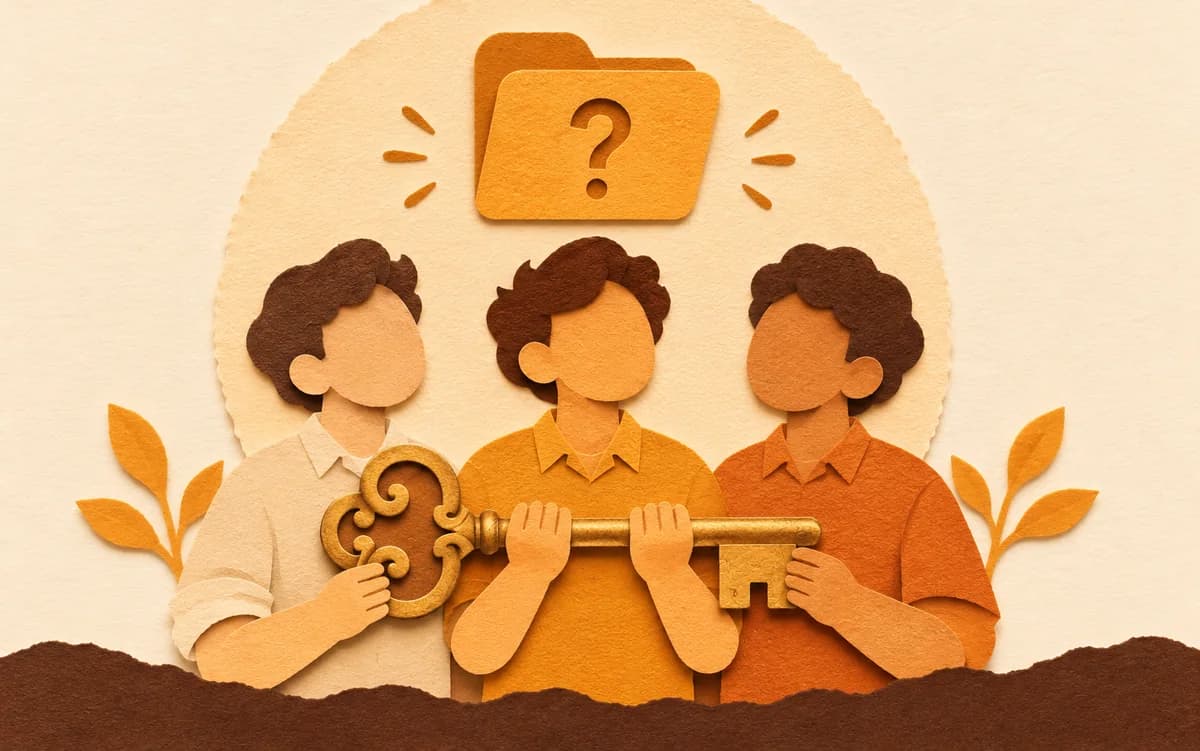
We never questioned sharing one Google Drive login with the whole team. It felt like trust, until one Tuesday morning.

The Teakfile teamNotes on sharing Drive safely
For about two years, our small team ran on goodwill. You hire people you like, give them access to what they need, and nobody abuses it or asks too many questions. Files are where they should be, the work gets done, and everything hums along on mutual trust.
We had one Google Drive and one login, shared by three people who had worked together long enough that nobody thought twice about it.
Then, one Tuesday morning, an entire client folder was gone: 1,200 files. Not stolen, not hacked, no breach and no ransomware. Someone had been reorganising folders, the way you do when a project wraps up, and had deleted the whole folder by accident.
It took us four hours to find it. We checked the connected devices, then the trash, where it was, and messaged the client to stall while we quietly panicked. We restored it, and everything was fine. But something shifted in those four hours.
The question nobody wanted to ask out loud
Once the folder was back, we had a calm debrief with no blame. At some point someone asked: “So who deleted it?”
Nobody answered. It wasn’t a defensive silence, just a genuinely uncertain one, with three people who trust each other looking at each other because none of them knew.
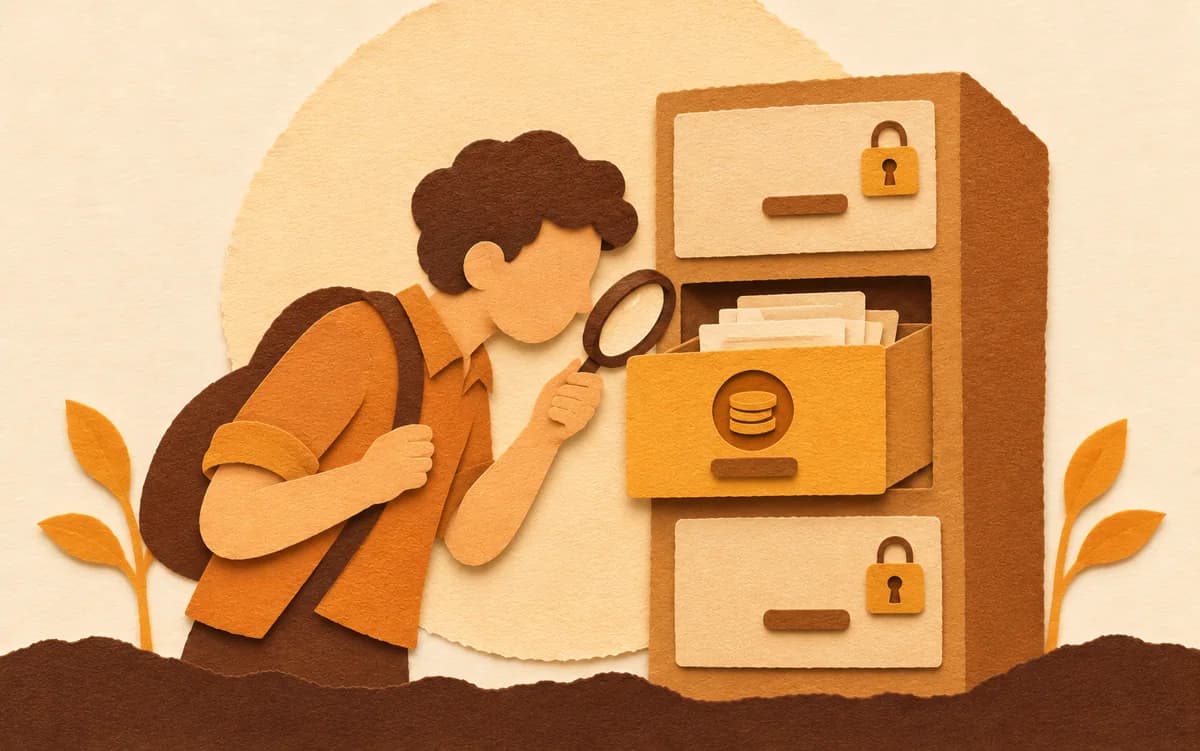
We checked the Drive activity. It showed one account and one set of actions, with no names attached, because when everyone logs in as the same account Google can’t tell you apart. As far as Drive is concerned, you’re all the same person. We never found out who deleted the folder.
What I realised afterwards
For two years I had told myself that giving everyone the same login was a sign of trust. We’re a small team, we don’t need bureaucracy, everyone here is responsible. That’s true, and it was never the issue.
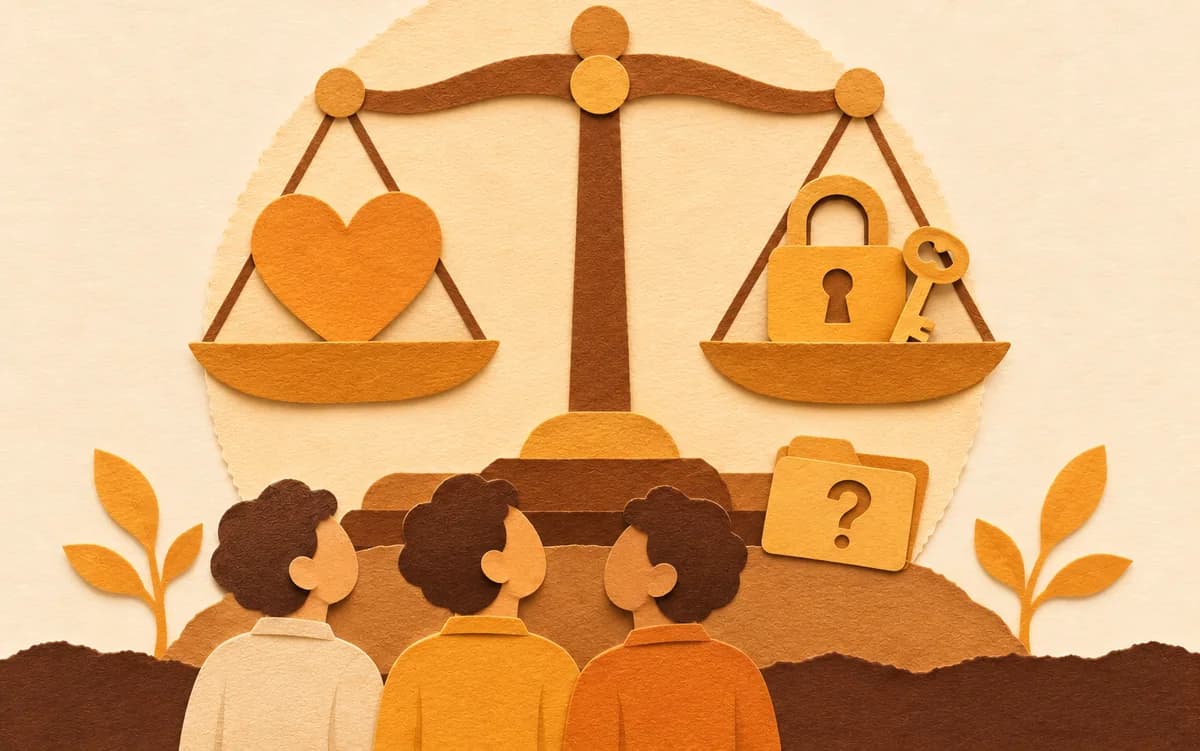
“Trust is a feeling. Access control is a system. I’d been using one to substitute for the other.”
Trust is what you have between people. It lives in relationships, in track records and in how someone handles a difficult situation. It’s real and it matters.
Access control is what happens when something goes wrong despite the trust: an honest mistake, a lost device, a well-meaning tidy-up that turns into a four-hour panic. It isn’t a judgment on anyone. It’s the difference between “I believe you wouldn’t do that” and “I can see exactly what happened.” We had the first and not the second.
Nobody sets this up deliberately
You don’t sit down on day one and decide to build a system with no accountability. It happens a step at a time.
- Two people share a Drive because it’s easier than setting up separate accounts.
- A third person joins and gets added to the same login.
- A freelancer needs access for a project, so you share the password over WhatsApp and promise to “sort out proper access later.”
Later never comes. Somewhere along the way, a login that began as a convenience becomes the foundation of how your whole team works, with no memory, no attribution and no way to draw lines around what anyone should be touching.
What changed for us after that Tuesday
We started asking a question we had never thought to ask: if something went wrong in our Drive right now, whether a file deleted, a folder moved or something downloaded that shouldn’t have been, would we be able to understand what happened?
For two years the answer was no. We just hadn’t needed to know.
Gaps like this are invisible until you fall into one. Ours was a four-hour panic over a deleted folder. Other teams find theirs in worse ways: a client who notices something they shouldn’t have seen, a former employee who still has access six months after leaving, a pricing document that ends up somewhere it shouldn’t.
“The gap was never about trust. Everyone on the team was trustworthy. The gap was that we’d built something with no way to see what was happening inside it.”
If this sounds familiar
You probably haven’t had your Tuesday yet. Most small teams that share a Drive login go years without a serious incident. The goodwill holds, the accidents are recoverable, and departures are clean enough that nobody notices the password was never changed. But the gap is still there.
The fix isn’t complicated. Each person on your team logs in as themselves, sees only what they need to see, and every action has a name attached to it.
“Not because you don’t trust your team. Because trust deserves a system behind it.”
Key takeaways
- Trust is a feeling and access control is a system. A team needs both, and one can’t stand in for the other.
- Access control isn’t a judgment on anyone. It’s the difference between “I believe you wouldn’t do that” and “I can see exactly what happened.”
- Ask what would happen if a file were deleted, moved or downloaded today: would you be able to understand what happened?
Frequently asked questions
- Why is sharing a Google Drive login a problem for small teams?
- When multiple people share one Google account login, all their actions are recorded under the same account. There is no way to see which team member uploaded, moved, or deleted a file, making accountability impossible without individual logins or a third-party access layer.
- What is the difference between trust and access control in a team?
- Trust is a relationship between people. Access control is a system that records what happened, who did it, and prevents unintended access, independently of whether you trust the people involved. Small teams often rely on trust alone and discover the gap only when something goes wrong.
- How can a small team get Google Drive audit trails without Workspace?
- Google Drive's native activity log works per account, not per user, when a login is shared. Getting per-user audit trails requires either individual Google accounts with Workspace, or a team access layer like Teakfile that tracks actions per team member on top of a shared Drive account.
Share this story