Launching soonEarly access waitlist
Google Drive wasn'tbuilt for teams.We fixed that.
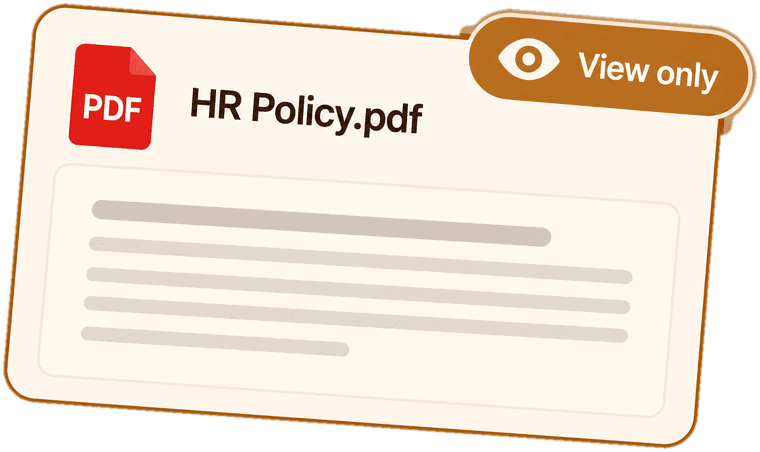
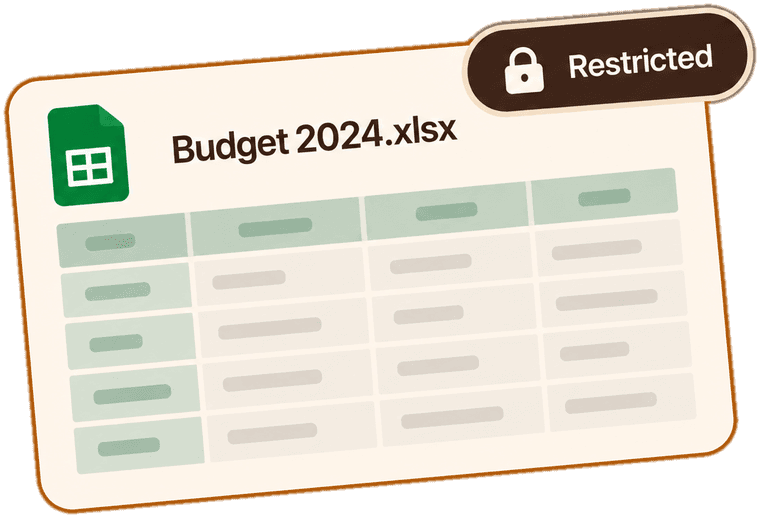
Individual logins. Folder-level control. File recovery. All on your existing Google Drive — no Workspace needed, no per-seat pricing.
- No shared passwords
- Every action attributed
- Restore anything
- Instant revoke
The problem
Your team’s files,
in everyone’s hands.
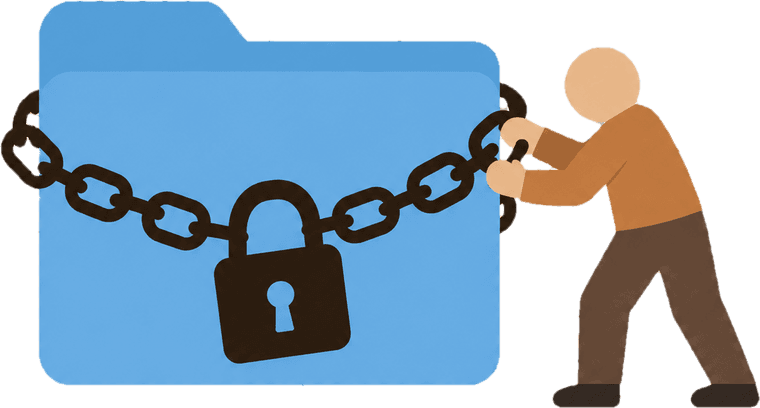
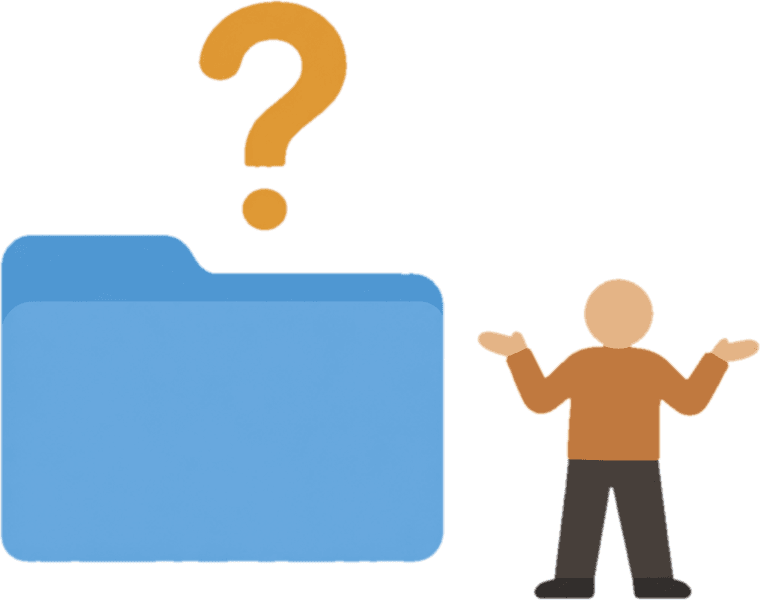
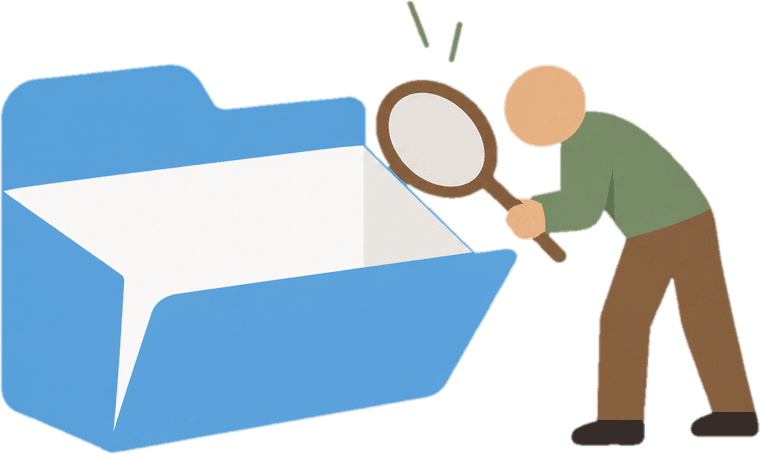
One Google account. No boundaries. Anyone can open, edit, move, or delete anything — and you’ll never know who did it or why.
The bridge
Share the files.
Keep the control.
Finally,
you decide.
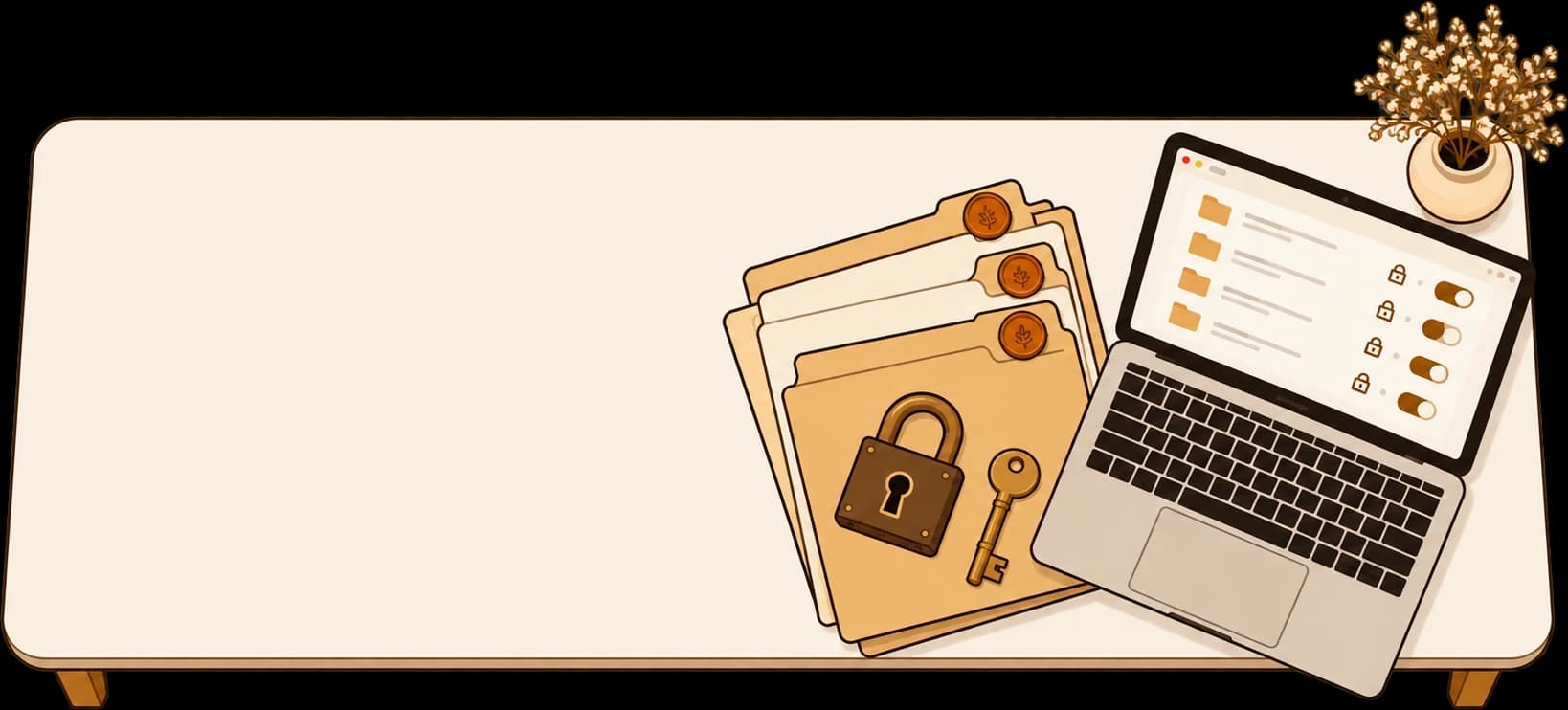
Teakfile sits on top
and decides who gets in.
Link your Drive, invite who you like, and keep watch.
Sure, individual access exist. But you still can’t control who opens what, edits what, or deletes what.
Three steps
Let's see
how it works
No migration, no new storage. Link your Drive, give each person their own login, and decide exactly what they can open.
- // 001

Connect your Drive
Sign in with Google and pick the folders you want to share. Your files never move and stay inside your Google Drive itself.
- // 002
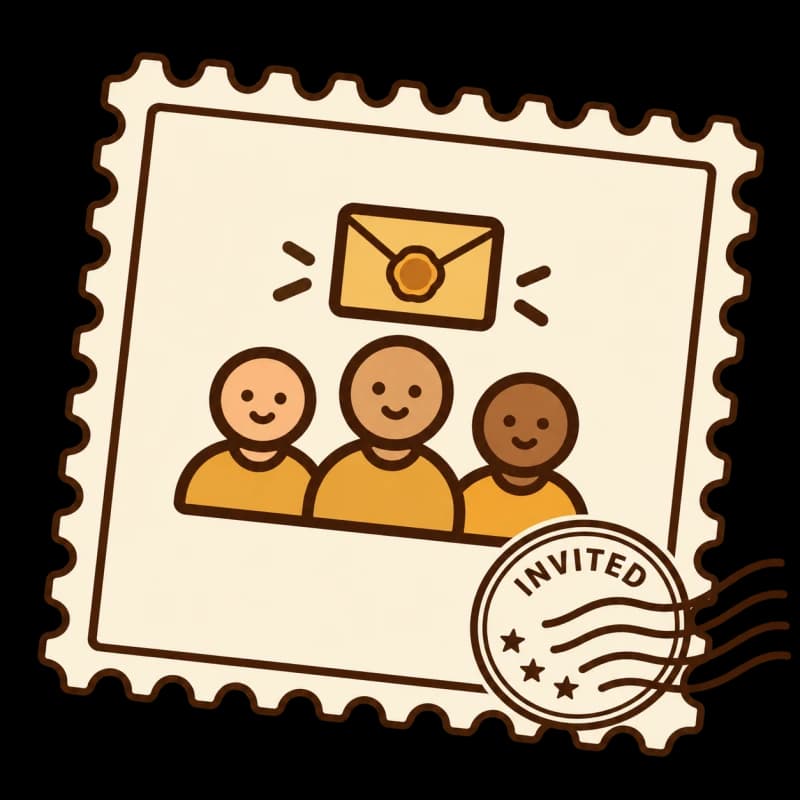
Invite your team
Invite teammates by email, give each their own login and set what they can add, view, edit, delete or comment on.
- // 003
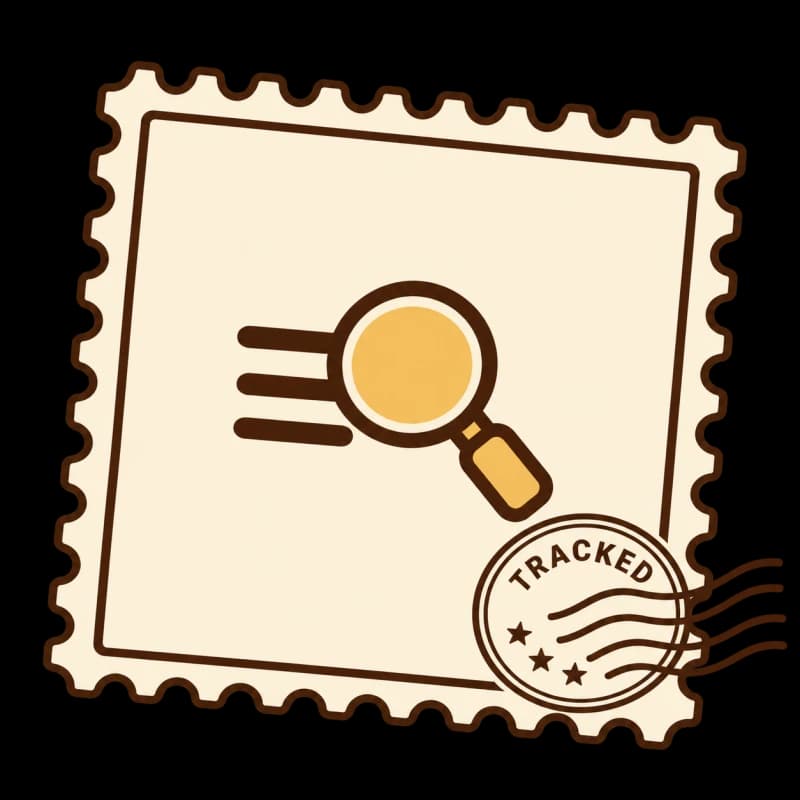
Track and control
See who opened what and when, revoke access in one click and restore deleted files.
What you get
Everything you need.
Nothing you don't.
Individual logins, a full audit trail, instant revoke and file recovery, all on top of the Drive you already use.
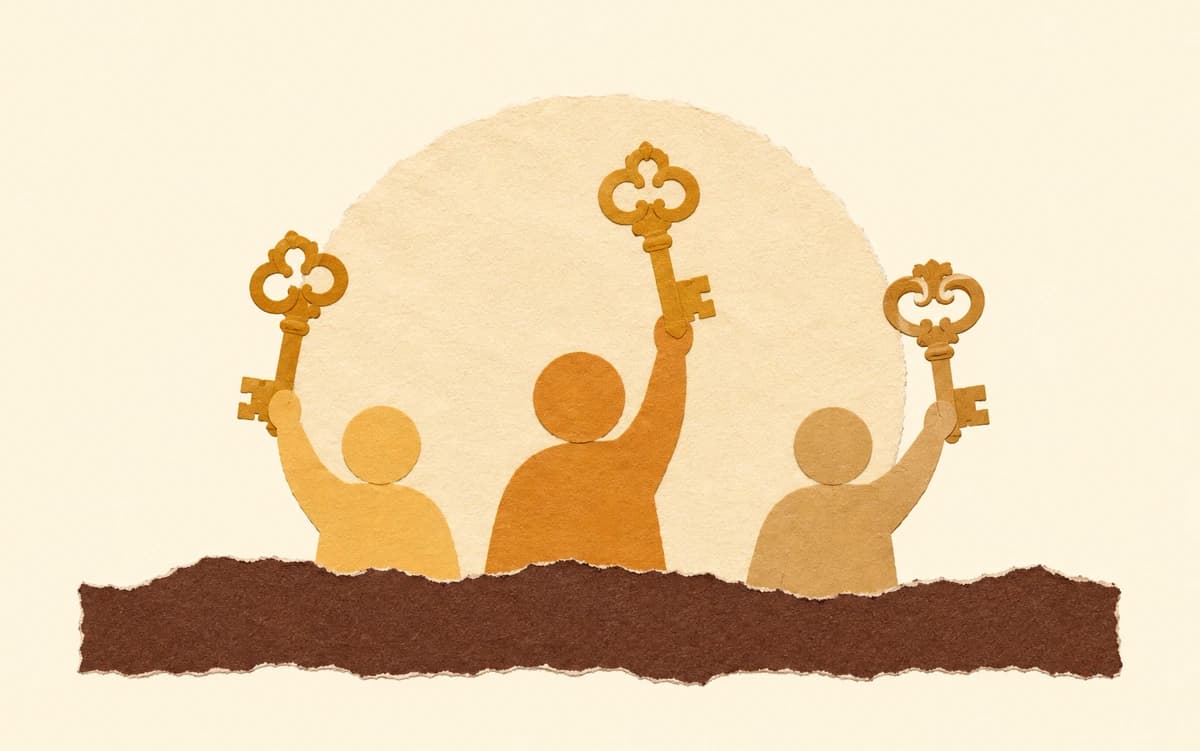
Everyone gets their own login
No more sharing your Google password. Each team member signs in with their own Teakfile account — you keep full control of the Drive.
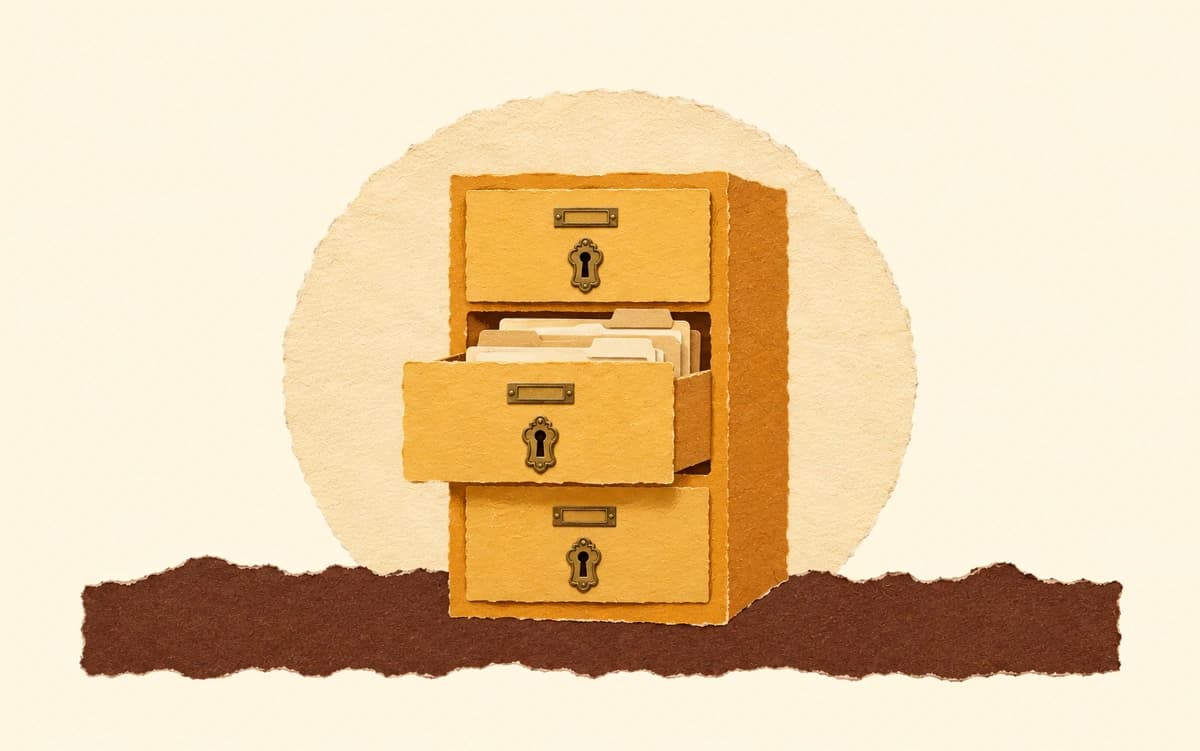
They see only what you share
Assign each person to specific folders. They get in, do their work, and see nothing else.
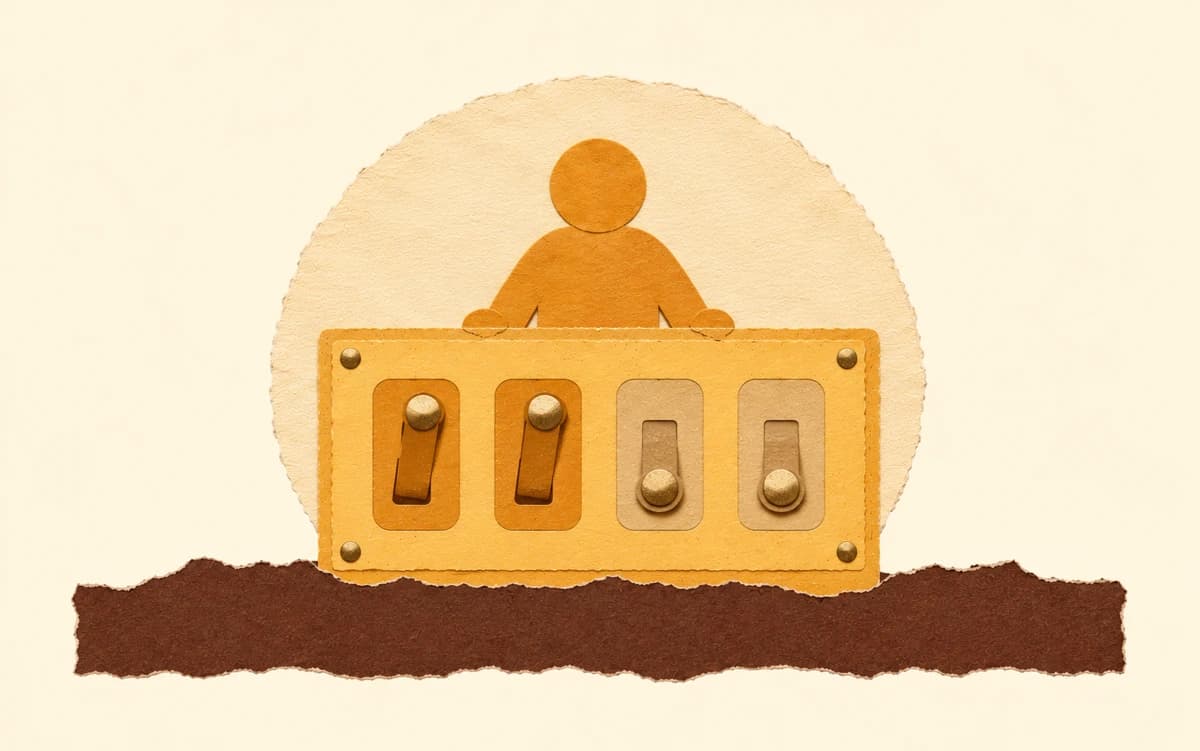
Set exactly what they can do
View, upload, edit, move, delete — each permission is a separate toggle. Give your designer upload access without letting them delete anything.

Recover anything, instantly
Every delete, move, and overwrite is saved. If something goes missing, one click brings it back — no panic, no data loss.

Know exactly who did what
A complete activity log — who uploaded, moved, or deleted any file, and when. No guessing, no finger-pointing.
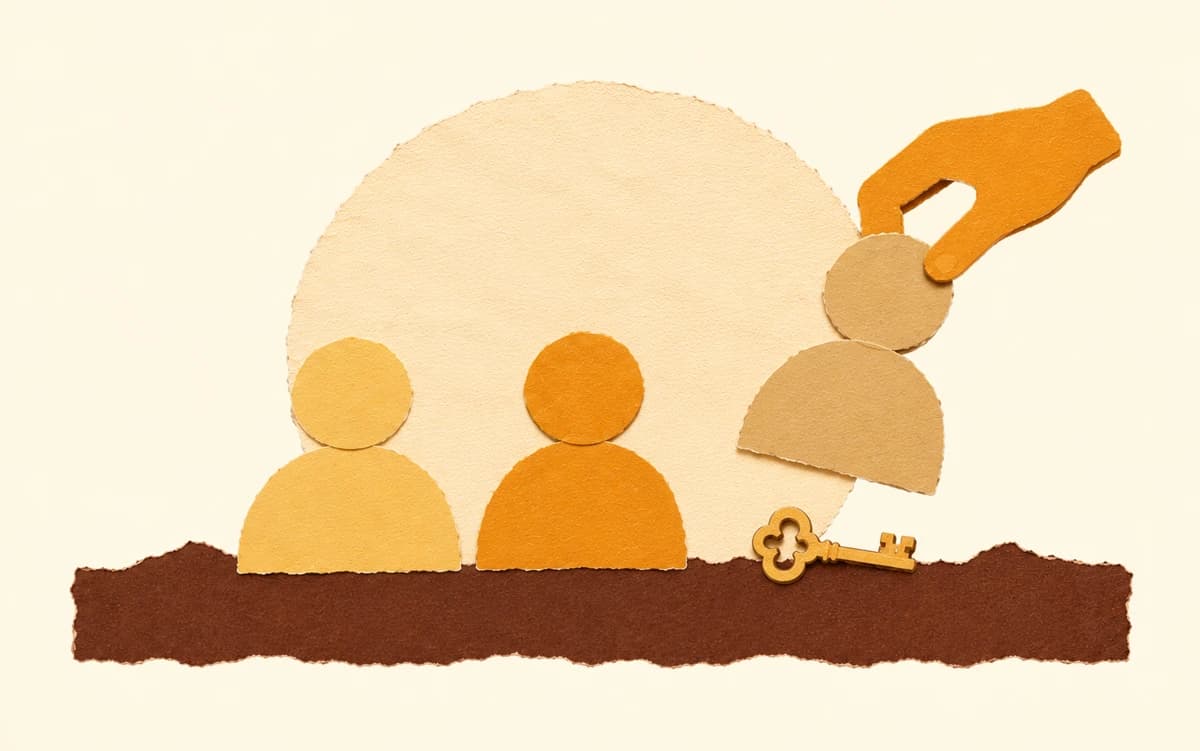
Remove someone in one click
When someone leaves the team, click Remove. They lose access to every folder instantly — nothing left to clean up.
Pricing
Start free.
Stay as long as you like






$0/ month
Everything you need to share your Drive safely, with no time limit.
Join waitlist- Individual logins for everyone
- Folder-level access
- Granular permissions
- Recovery center
- Audit trail
- One-click offboarding
More features are on the way. Some will be paid, and your free plan stays just as it is.
Stories & case studies
Built for teams
like these
Three stories from small teams who learned about shared access the hard way. We launch on December 3.
 File management4 min read, published November 1, 2026
“Who deleted it?” What happens when your team shares one Google Drive login
Three people, one Google Drive, one shared login, and 1,200 client files gone. Nobody could say who did it.
Read the story: “Who deleted it?” — What happens when your whole team shares one Google Drive login Real talk5 min read, published November 1, 2026
Our intern could see what every client was paying us
We gave our intern Drive access to help with content. Two months later we found out he’d been inside our billing folder the whole time.
Read the story: Our intern could see what every client was paying us. We had no idea. Real talk5 min read, published November 1, 2026
Shared Access Felt Like Trust. It Was Actually a Gap.
We never questioned sharing one Google Drive login with the whole team. It felt like trust, until one Tuesday morning.
Read the story: Shared Access Felt Like Trust. It Was Actually a Gap.
Stop sharing your password.
Start sharing your files
Join the waitlist. It takes 10 seconds.
Free plan always includedNo credit cardLaunching December 3
Already waiting
A few makers are already
on the waitlist
45members waiting
until Teakfile launches on December 3